
Free sample lesson 2 of 8 from the course AI for Small Business Owners (in preparation). It is still being tested with real people. Check every step against your own work.
What you will be able to do
Turn a photo of paper, or a screenshot, into clean text you can use, and check it before you rely on it. It does not matter what your work is. Paper and photos arrive in almost every kind of work.
Pick the example closest to your work
Choose one real item to practise on. Some ideas:
- Tailor or fashion maker: a customer’s handwritten measurements and style notes.
- Food or event business: a handwritten order list.
- Repair or trade: a job card, or a supplier’s invoice.
- Shop owner: a supplier’s printed price list.
- Freelancer or professional: a client’s signed brief, or notes from a meeting.
- Student: your own handwritten lecture notes.
- Printer or designer: a customer’s marked-up draft.
If none of these fit, pick any page you would otherwise type or retype. If your work never involves paper, you can skip this lesson. The next one still applies to you.
Before you start
- A phone with a camera, and one free AI tool that accepts photos. Free plans change, so check what yours allows.
- A page that belongs to you or that you have permission to copy.
- Safety first: do not photograph pages with ID numbers, bank details or passwords. Cover them or leave them out.
Step 1: Take a clean photo
- Put the page flat on a table, in daylight or under a good lamp.
- Hold the phone straight above it so the whole page is in the picture, with no shadow of your hand.
- Look at the photo. Can you read every word yourself? If not, retake it.

Step 2: Ask for an exact copy
Attach the photo and send this, changed to suit your page:
Copy the text in this photo exactly as written. Do not correct spelling. Do not add or remove words. If you cannot read a word or number, write [unclear] instead of guessing. Keep names, numbers, dates and prices exactly as they appear.
Step 3: Check it against the original
This is the most important step. Put the original and the typed copy side by side and check:
- Every name and its spelling.
- Every number: quantities, sizes, measurements, prices, phone numbers.
- Every date.
- Every [unclear] mark. Fill each one in yourself from the original.
A wrong digit in a measurement, price or phone number can cost you money or a customer. AI can misread handwriting, so never skip this step.
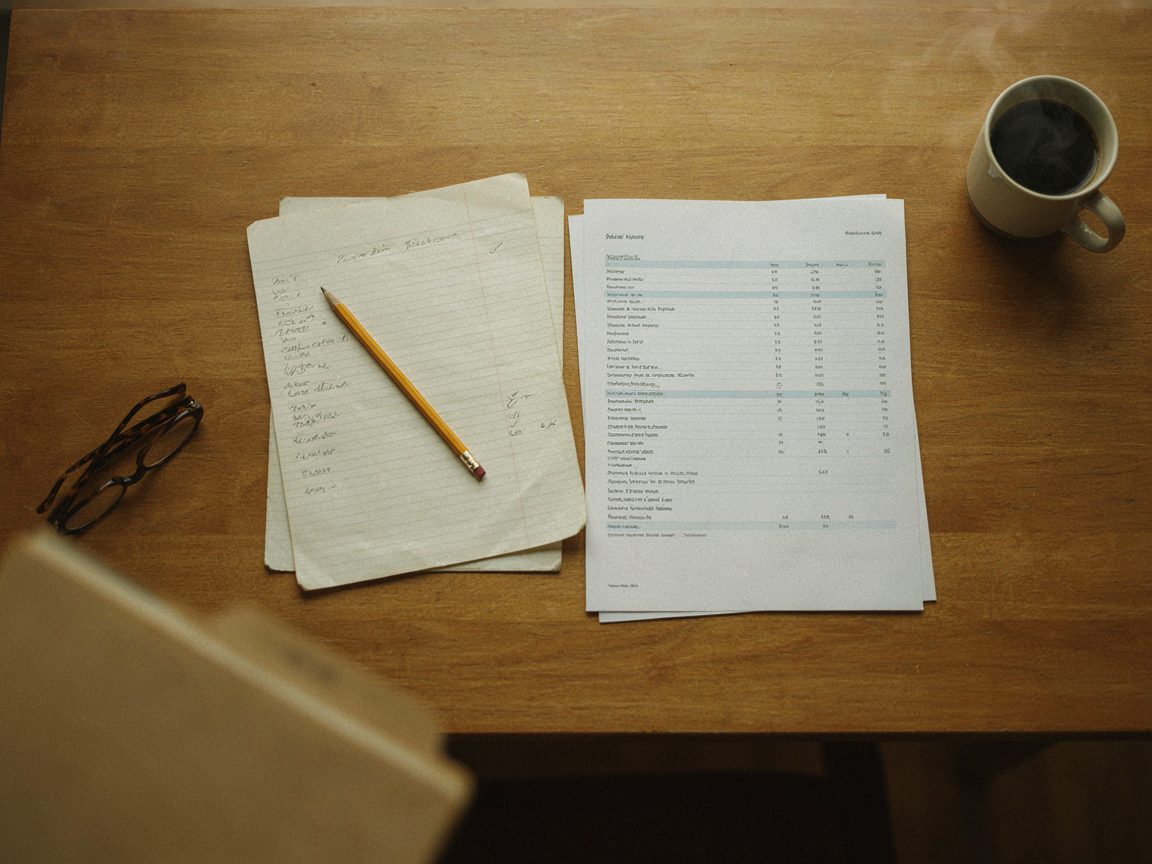
Step 4: Put it into the form you need, if you need to
Only after the copy is correct, you can ask for a change. Describe the form that fits your work, for example:
Put this text into a table with the columns I need: [for example item, quantity, price, or name, measurement, due date]. Do not change any of the words or numbers.
Check the result against your corrected copy.
If it goes wrong
- Many [unclear] marks: retake the photo in better light, or photograph half a page at a time.
- Words that look invented: tell the AI which line is wrong and ask it to look again at that line only. If it is still wrong, type that line yourself.
- Slow connection or costly data: take the photo now and send it when you are on Wi-Fi, or type the page by hand.
Measure it
Take five real pages. For each, write down:
- How many minutes it takes you to type it by hand.
- How many minutes it takes with AI, including your checking.
- How many mistakes you found when you checked.
Keep the method only for the kinds of page where it really saves time without hurting accuracy.
Practice task
Choose one page from your own work. Do steps 1 to 3 and write down the time and the number of corrections.
Next: sample lesson 3, pricing a job. Questions or problems? Tell us on the contact page.