

ChatGPT Voice Retirement: 4 Essential Steps Before 11 Dec
Home › Blog › ChatGPT Voice Retirement: 4 Essential Steps Before 11 Dec
Last checked: 16 November 2026
The ChatGPT voice retirement is now dated: OpenAI says the older Advanced and Standard voice options leave ChatGPT on 11 December 2026.
What changed in the ChatGPT voice retirement
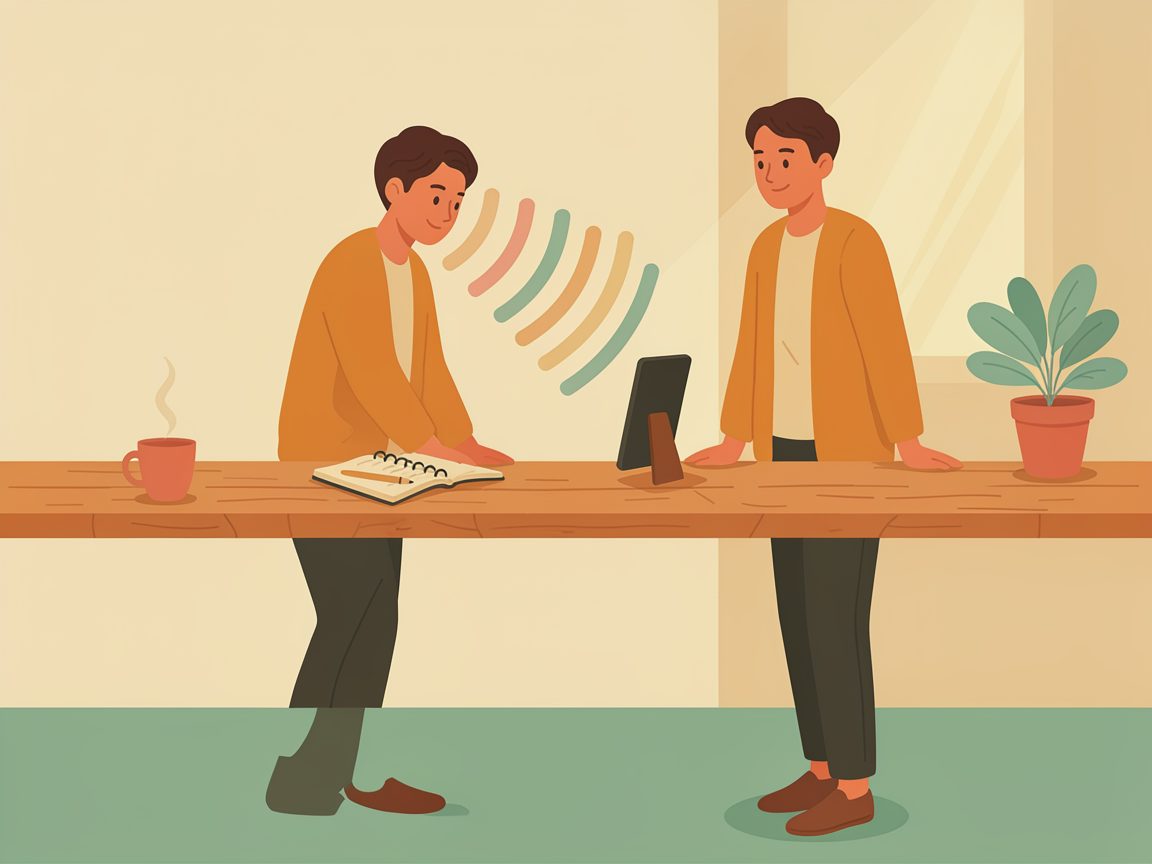
According to OpenAI’s own help page, users were told on 10 November. Until 11 December, Advanced and Standard voice can still be chosen. After that, they disappear from the voice settings, and anyone who had picked them is moved to “Live” voice, which runs on a newer voice model called GPT-Live. Live video and screen sharing keep using Advanced voice until GPT-Live can do them. OpenAI’s release notes list ChatGPT changes as they happen.
What it means for you
Anyone who dictates notes, rehearses a customer call, or talks through a task with ChatGPT may find the voice sounds and answers differently. OpenAI states that earlier voice conversations stay in the chat history and can be continued in text or voice. Spoken chats are still chats: the same care applies as for typed ones (see ChatGPT privacy settings: 5 checks and when to use Temporary Chat).
What to do this week
- Open ChatGPT, go to Settings, then Voice, and note which voice is selected.
- Try Live voice once on a low-stakes task, such as reading back a short list of notes.
- Check anything it says before using it: how to check an AI answer.
- If a saved voice chat matters, copy the useful part into your own notes before the date. New to the words used here? See the glossary or Start Here.
Sources: OpenAI Help Center, “Retiring Advanced and Standard Voice in ChatGPT” (dates, switch to Live voice, chat history, video and screen sharing); OpenAI Help Center, ChatGPT release notes (where updates are listed). Plans and availability can differ, so check your own settings.